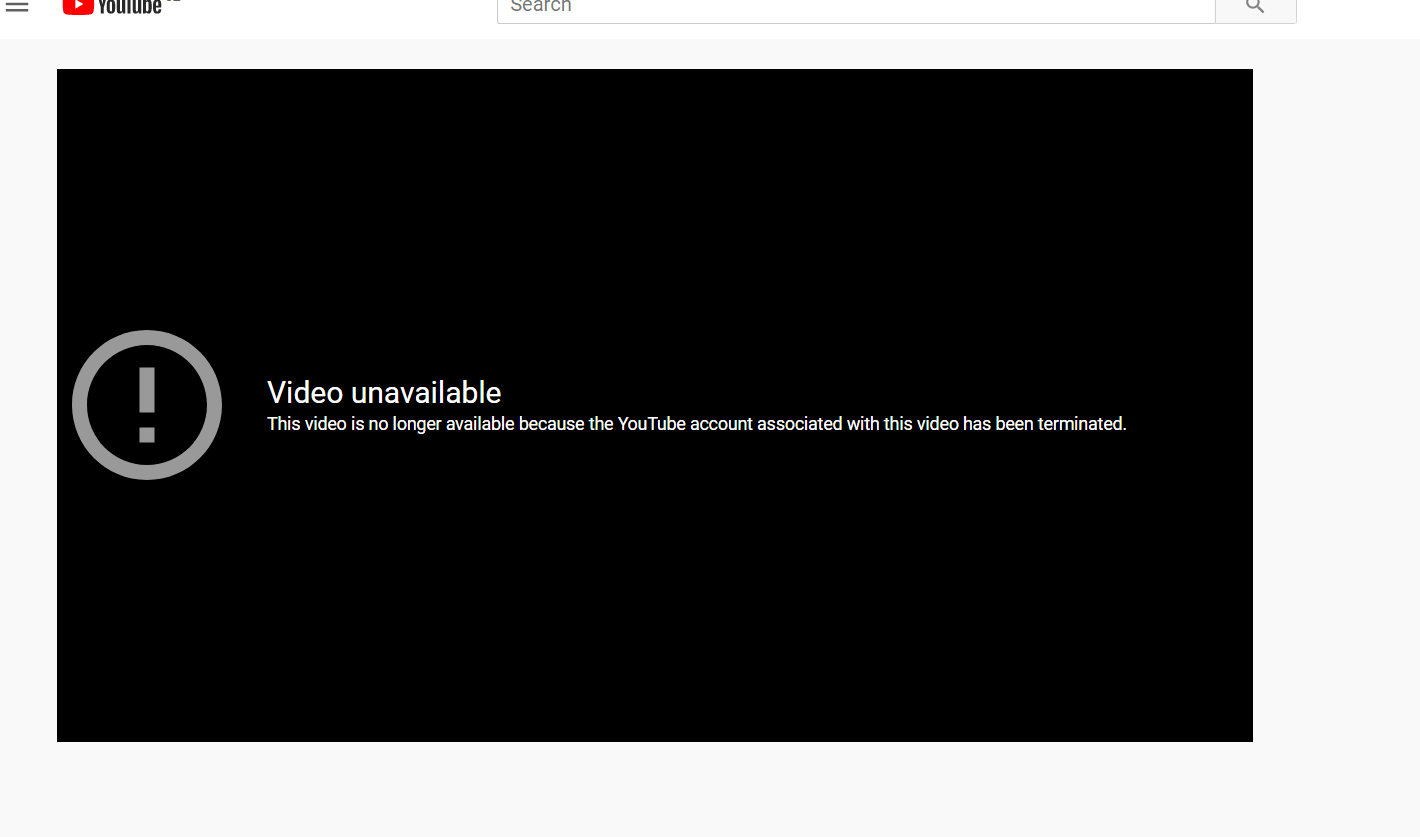
How to recover deleted YouTube videos?
Update 20.03.2026 – You can now find deleted YouTube videos using our new service at tube.archivarix.net
Sometimes you can see this "Video unavailable" message from Youtube. Usually it means that Youtube has deleted this video from their server. But there is an easy way how to get it from the Wayback Machine. Firstly, you need a Youtube video link. It looks like this: https://www.youtube.com/watch?v=1vpS_-nN3JM The last symbols after watch?v= is a code of the video.
Copy to your browser this link (simply click on it and it will be in the clipboard):
https://web.archive.org/web/2oe_/http://wayback-fakeurl.archive.org/yt/
Put the video code at the end of that url:
https://web.archive.org/web/2oe_/http://wayback-fakeurl.archive.org/yt/1vpS_-nN3JM
and press Enter.
If the Wayback Machine cached that video you will see it in the browser window. Right click on it and choose "Save Video as..." in the browser menu. Now you have this video on your computer.
If the video was not cached you will see "Hrm.The Wayback Machine has not archived that URL." Put the video url https://www.youtube.com/watch?v=1vpS_-nN3JM in https://web.archive.org/ search and find if the page with that video was cached. Often there is only a screenshot of the page with video, and the message "Sorry, the Wayback Machine does not have this video () archived (or not indexed yet)." There will be a video name and descriptions, you can still find it somewhere on the internet, for example on other video-sharing platform.
The use of article materials is allowed only if the link to the source is posted: https://archivarix.com/en/blog/download-deleted-youtube-videos/

Tube Search now has a section of free YouTube tools. These are small utilities that solve specific everyday tasks: stepping through a video frame by frame, extracting hidden tags, checking whether a c…
You found the video you needed on YouTube, but you do not want to watch the whole thing just for a couple of lines. Or you need the text of a lecture to translate it, quote it, or simply skim through …
Open any article from a decade ago and click through the links in it. There is a good chance that some of them lead nowhere. Instead of the page you wanted, you get a 404 error, a parked domain advert…
The web keeps falling apart. Pages go offline, accounts get deleted, papers slip behind paywalls, projects shut down. Usually a copy survives somewhere, in the Wayback Machine, archive.today, Common C…
When you find a deleted YouTube video through Tube Search, you typically get metadata: a title, description, upload date, and sometimes subtitles. That is already useful. But reading through raw subti…
Tube Search is a search engine for archived YouTube data. The service aggregates information from multiple public sources: the Wayback Machine (Internet Archive), Common Crawl, and various collected Y…
Over time, external links in WordPress posts inevitably break, pages get deleted, domains expire, videos become unavailable. Checking hundreds or thousands of links manually is impractical. Archivarix…
One trillion saved pages. Over 99 petabytes of data. Hundreds of crawls running simultaneously every day. Behind these numbers lies a question that everyone who professionally works with web archives …
Buying an expired domain with history is one of the most effective ways to launch a new project with an already existing backlink profile, trust, and even traffic. Instead of promoting a bare domain f…
When it comes to restoring websites from archives, almost everyone thinks only of the Wayback Machine. That's understandable: archive.org is well known, it has a convenient interface, a trillion saved…