How to Download YouTube Subtitles, Even from Deleted Videos
You found the video you needed on YouTube, but you do not want to watch the whole thing just for a couple of lines. Or you need the text of a lecture to translate it, quote it, or simply skim through it. YouTube subtitles solve this, but copying them from the site itself is not easy: the interface gives you no download button, and third-party services often break or ask for payment. Archivarix Tube Search has a simple way to get the subtitles of any video, and more importantly, it works even for clips that have already been removed from YouTube.
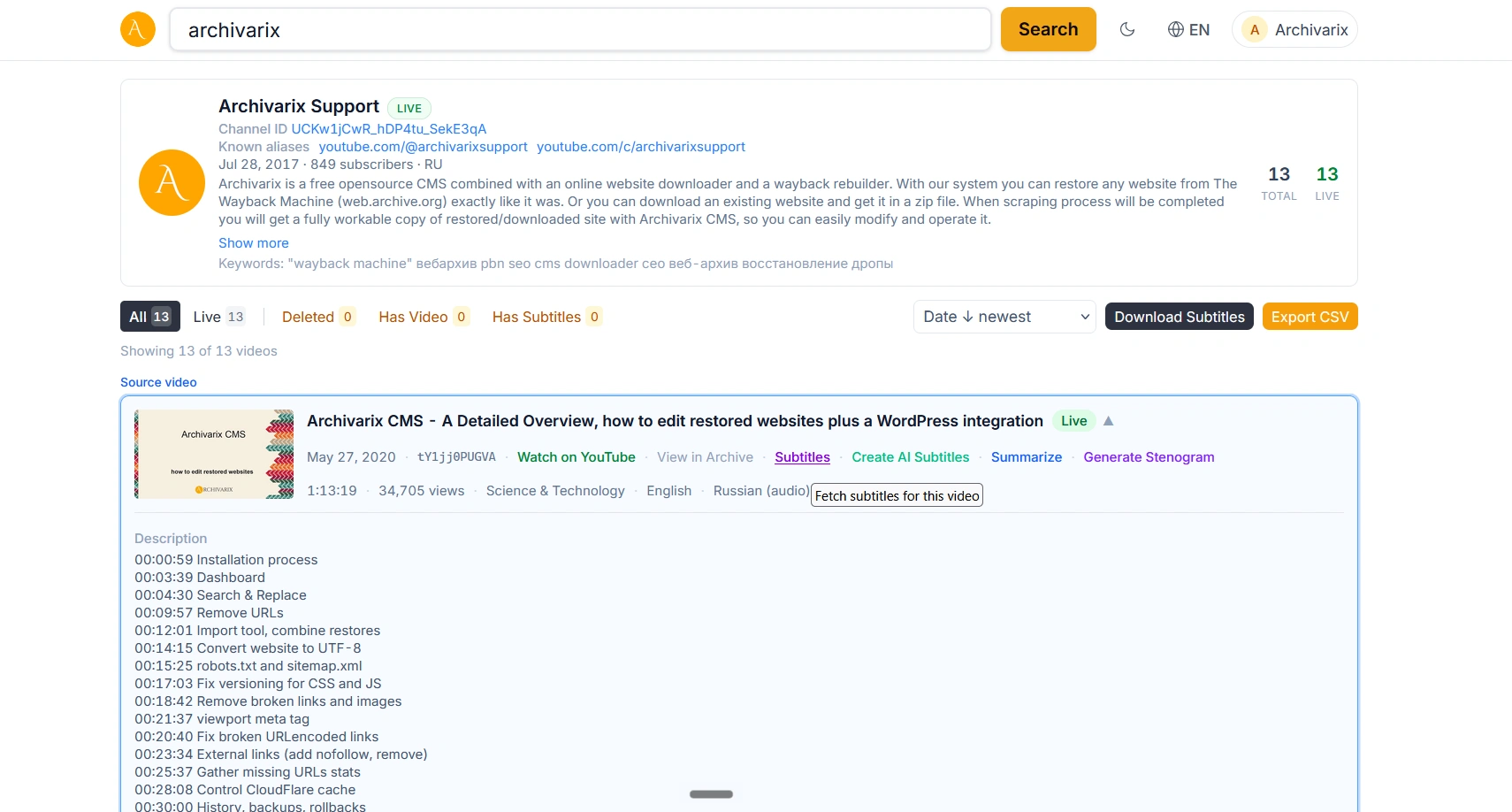
How to download subtitles in a couple of clicks. Paste the video link or its 11-character ID into the search, and the system will gather every available subtitle track. For videos that still live on YouTube, we fetch the subtitles directly and in real time. You can download a single track as an SRT file, or all tracks at once as a single ZIP archive. More than 240 languages are supported, including auto-generated tracks and ones uploaded by the author. The details are collected in a separate guide to downloading subtitles.
And what if the video has no subtitles at all? This happens often: the author did not turn them on, and the automatic ones were never created. That used to be a dead end. Not anymore. If a video has no ready subtitles, Tube Search can generate a transcript using artificial intelligence. We take the audio track and recognize the speech, producing the same clean text with timecodes that you could have downloaded if the subtitles had been there in the first place. This works for videos in different languages and saves the day when no other option is left. How it works is described in the guide to AI transcript generation.
The most interesting part is about deleted videos. When a clip disappears from YouTube, its page stops existing, but if a web archive managed to index it in time, the subtitles are preserved along with the rest of the metadata. Tube Search looks through archival sources such as the Wayback Machine and Common Crawl, and retrieves subtitles even for videos that are no longer there. No ordinary subtitle downloader can do this, because it queries YouTube directly, where the deleted clip is already gone. We query the archive. And if a deleted video had no subtitles in the archive but its video file survived, AI generation works too, just as it does for live clips.
Who needs this. Researchers and journalists who reference videos in their work and want to capture the text in case it gets removed. Translators who need the source text rather than a version pieced together by ear. Anyone learning a language from videos who wants to read along while listening. And those who are simply trying to recall what was in a clip that is no longer available.
Subtitles are available for free and without registration. A free account lifts some of the limits and unlocks batch archive downloads and search history. You can try it right now on the Archivarix Tube Search page.
The use of article materials is allowed only if the link to the source is posted: https://archivarix.com/en/blog/youtube-transcript-downloader/

Hi everyone,
To celebrate our anniversary, we’re bringing back our best offer of the year: up to 100% bonus credit when you add funds. We only offer a bonus this big on our anniversary — once a year.…
Tube Search now has a section of free YouTube tools. These are small utilities that solve specific everyday tasks: stepping through a video frame by frame, extracting hidden tags, checking whether a c…
You found the video you needed on YouTube, but you do not want to watch the whole thing just for a couple of lines. Or you need the text of a lecture to translate it, quote it, or simply skim through …
Open any article from a decade ago and click through the links in it. There is a good chance that some of them lead nowhere. Instead of the page you wanted, you get a 404 error, a parked domain advert…
The web keeps falling apart. Pages go offline, accounts get deleted, papers slip behind paywalls, projects shut down. Usually a copy survives somewhere, in the Wayback Machine, archive.today, Common C…
When you find a deleted YouTube video through Tube Search, you typically get metadata: a title, description, upload date, and sometimes subtitles. That is already useful. But reading through raw subti…
Tube Search is a search engine for archived YouTube data. The service aggregates information from multiple public sources: the Wayback Machine (Internet Archive), Common Crawl, and various collected Y…
Over time, external links in WordPress posts inevitably break, pages get deleted, domains expire, videos become unavailable. Checking hundreds or thousands of links manually is impractical. Archivarix…
One trillion saved pages. Over 99 petabytes of data. Hundreds of crawls running simultaneously every day. Behind these numbers lies a question that everyone who professionally works with web archives …
Buying an expired domain with history is one of the most effective ways to launch a new project with an already existing backlink profile, trust, and even traffic. Instead of promoting a bare domain f…